
This guide explains the Microsoft AI ecosystem and how tools like Copilot Studio, AI Builder, and Azure AI work together with Power Platform.
Microsoft AI Ecosystem Architecture
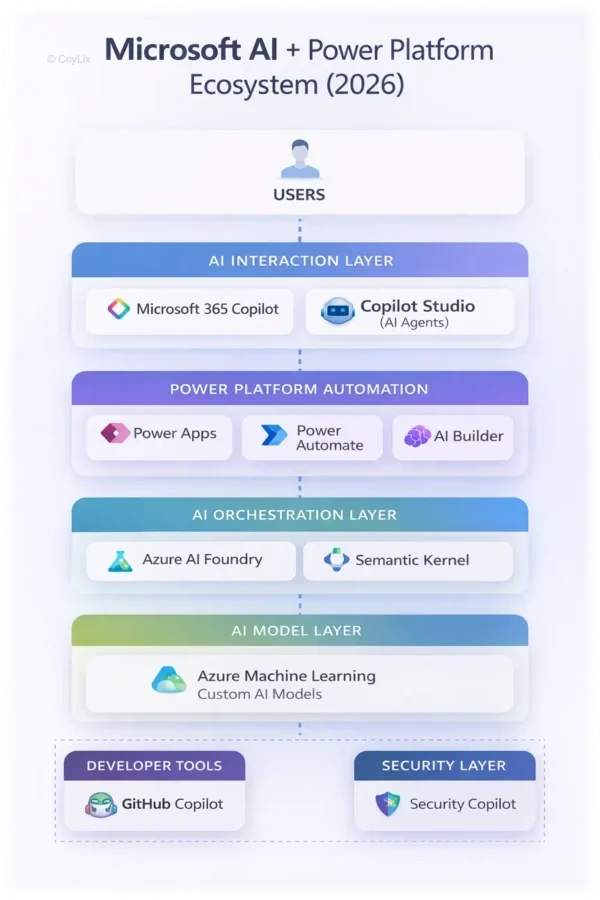
Microsoft AI Ecosystem Architecture – Illustration by Coylix
The diagram above shows how the Microsoft AI ecosystem connects different layers of technology used by modern applications.
At the top, users interact with AI agents through tools like Copilot Studio and Microsoft 365 Copilot. These AI agents understand natural language and respond to user requests.
Next, the Power Platform layer handles automation. Tools like Power Automate and AI Builder execute workflows and process business data.
Behind the scenes, AI platforms such as Azure AI Foundry and Azure Machine Learning provide intelligence, prediction models, and enterprise knowledge connections.
Together, these layers create a complete Microsoft AI ecosystem architecture that combines AI agents, automation, and machine learning.
The ecosystem works in layers.
Layer 1 — Users
At the top are users.
They interact with the system through:
- Chat
- Apps
- Microsoft Teams
- AI assistants
Layer 2 — AI Interaction Layer
Users interact with AI agents.
These AI agents understand natural language and decide what action should happen next.
Example:
Employee asks:
Reset my VPN access
The AI agent understands the request.
Layer 3 — Power Platform Automation
After understanding the request, the AI agent can trigger automation.
This automation may include:
- Power Automate workflows
- Power Apps processes
- Business logic
This is where tasks actually get completed.
Layer 4 — AI Platforms
Behind the scenes, Microsoft provides platforms that power AI intelligence.
These platforms can:
- Analyze documents
- Understand text
- generate answers
- connect company data
Layer 5 — Machine Learning Models
At the deepest layer are machine learning models.
These models:
- predict outcomes
- analyze patterns
- process large datasets
This is where advanced AI intelligence comes from.
9 Tools in the Microsoft AI Ecosystem Power Platform Developers Should Know
Now let’s look at the nine important AI tools in the Microsoft ecosystem. These tools are important parts of the Microsoft AI ecosystem and help developers build intelligent Power Platform solutions.
Copilot Studio
Copilot Studio allows developers to build AI agents.
These agents can:
- understand natural language
- talk to users
- connect different systems
- trigger automated workflows
Instead of building many apps, companies can build one AI assistant that handles requests automatically.
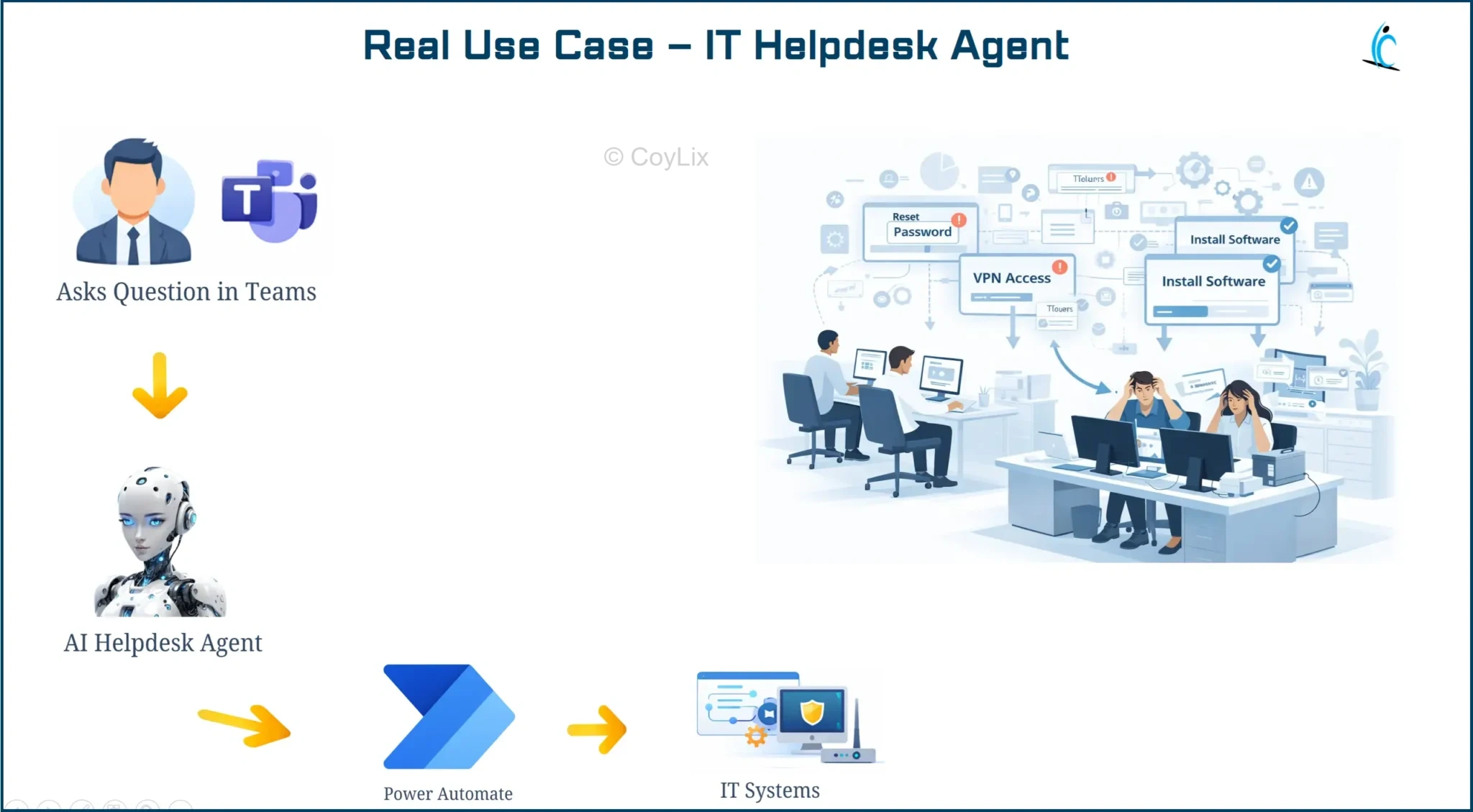
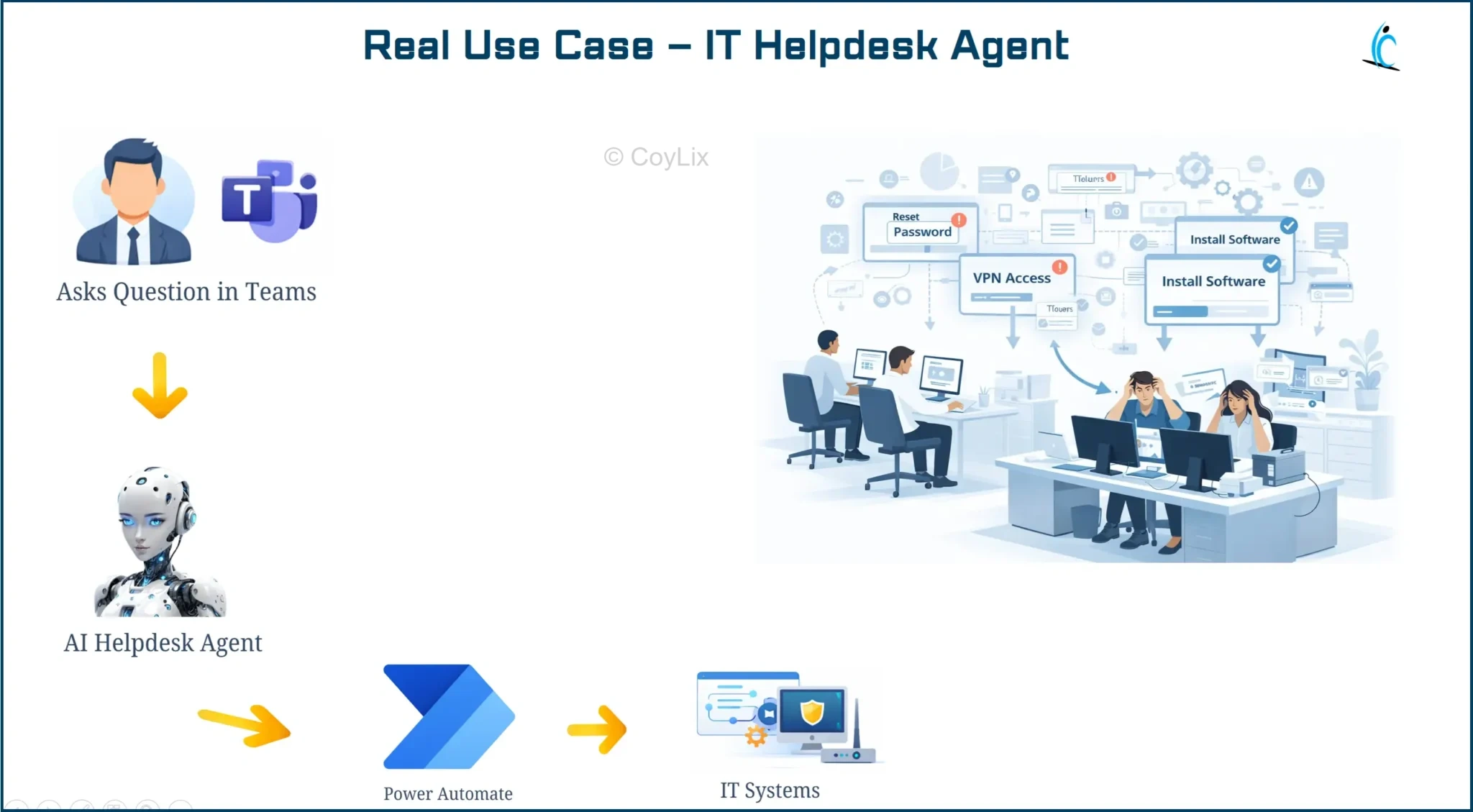
Real Example — IT Helpdesk Agent
Many employees contact IT support for small tasks like:
- password reset
- VPN access
- software installation
An AI agent can handle these requests automatically.
Flow
Employee → AI Agent → Automation
Steps:
- Employee asks question in Teams
- AI agent understands request
- Power Automate workflow runs
- Issue is solved automatically
You can learn more about Copilot Studio on the official Microsoft documentation:
Microsoft Copilot Studio Documentation.
AI Builder
AI Builder adds AI capabilities inside Power Platform. As a result, developers can use AI features without building machine learning models from scratch.
Common capabilities include:
- document processing
- text classification
- prediction models
Real Use Case — Invoice Data Extraction Automation
Many companies receive hundreds of invoices every day.
Instead of manually entering data, AI Builder can automatically:
- read the invoice
- extract information like vendor name, amount, and date
- store the data in Dataverse or an ERP system
This saves hours of manual data entry.
Microsoft also provides detailed documentation about AI Builder capabilities here:
AI Builder Official Documentation.
Power Automate AI Actions
Power Automate includes AI-powered actions that allow automation workflows to understand content.
These actions can:
- analyze text
- classify requests
- generate responses
This makes workflows much more intelligent.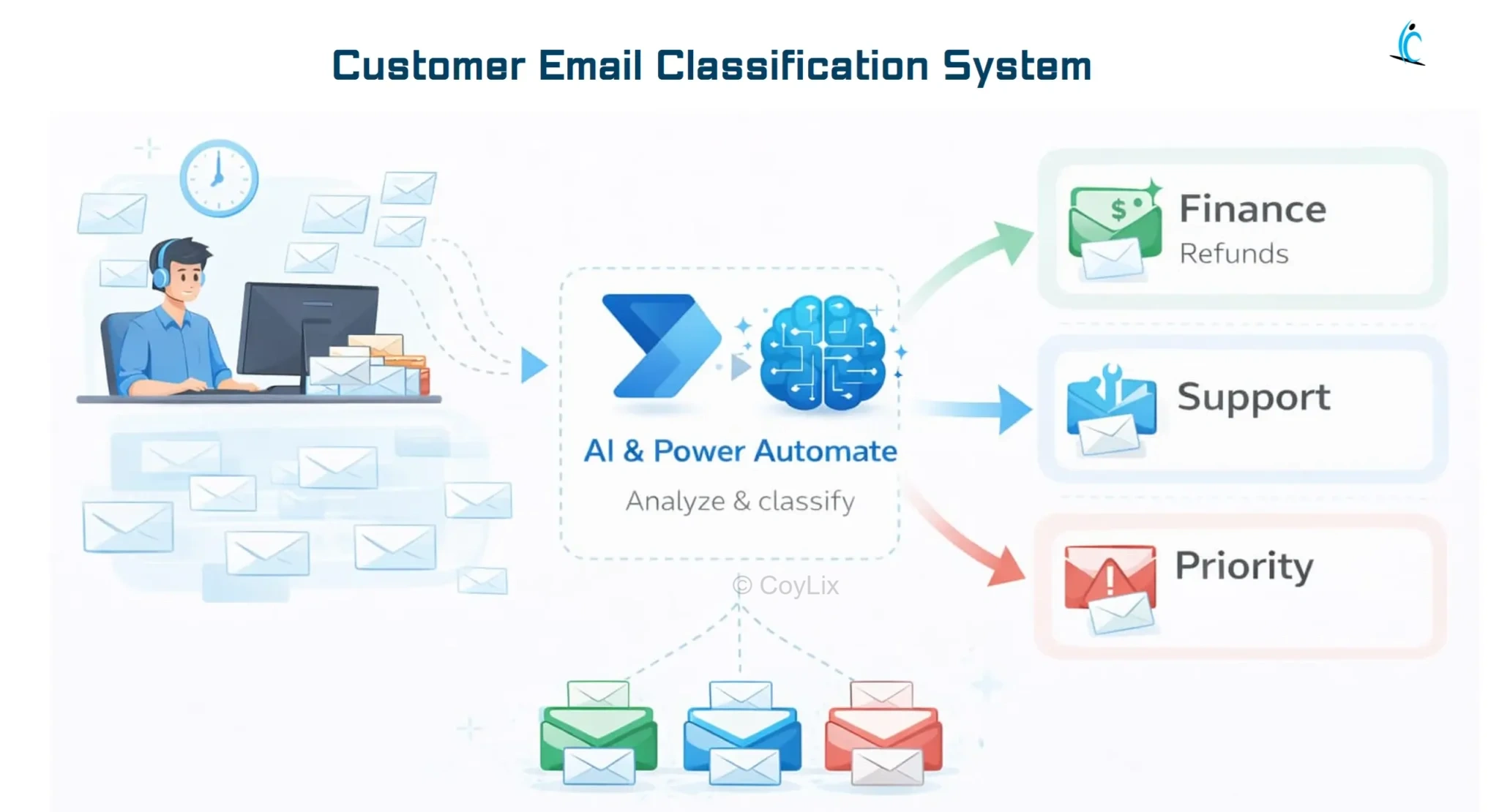
Real Use Case — Customer Email Classification
Companies receive many customer emails every day.
AI in Power Automate can:
- read incoming emails
- understand the intent
- classify the request
Example classifications:
- refund request
- product complaint
- general inquiry
The workflow then automatically routes the email to the correct team.
This improves customer response time.
Microsoft 365 Copilot
Microsoft 365 Copilot helps users inside applications like:
- Word
- Excel
- Teams
- Outlook
It uses AI to help users work faster.
Copilot can:
- summarize documents
- analyze business data
- generate reports
- draft emails
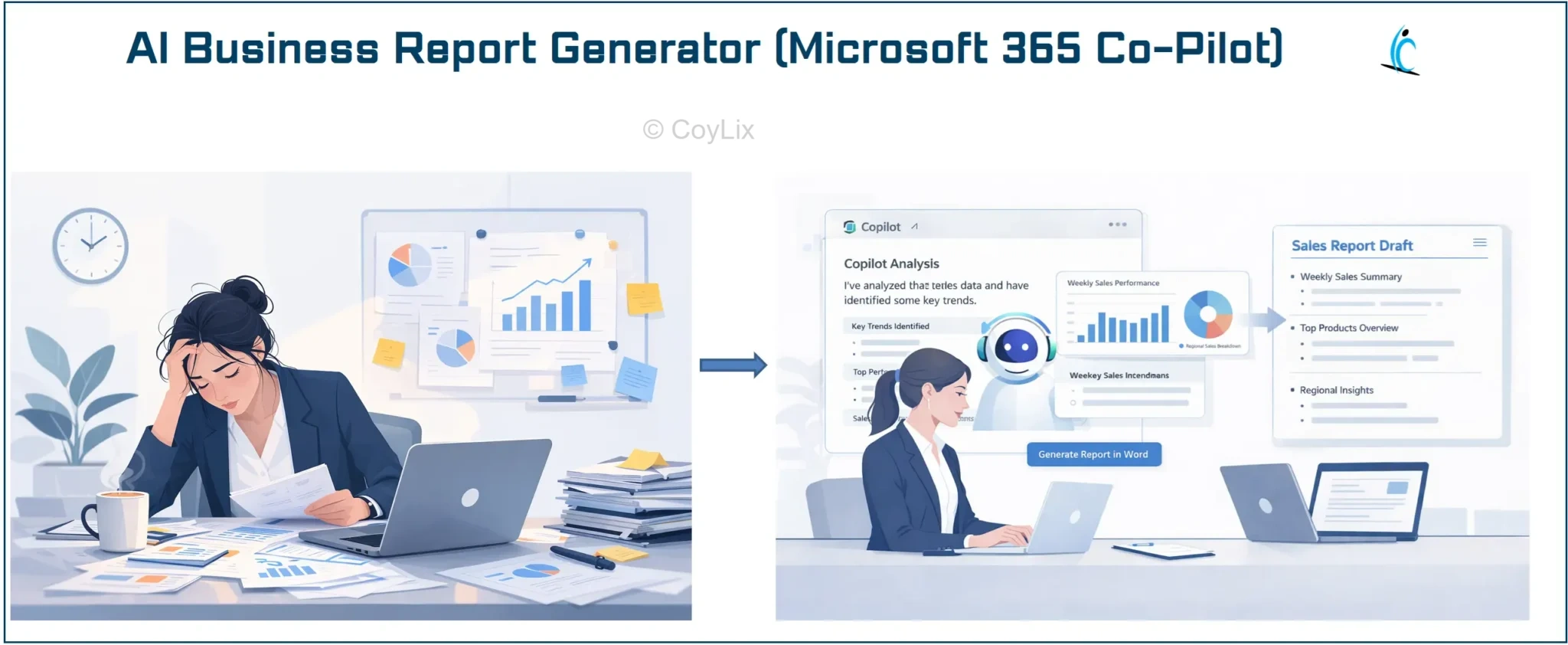
Real Use Case — AI Business Report Generator
A manager needs to review sales performance.
Instead of manually analyzing spreadsheets, they ask Copilot:
Summarize last quarter’s sales performance.
Copilot:
- analyzes Excel data
- generates insights
- creates a report
This saves hours of manual analysis.
GitHub Copilot
GitHub Copilot is an AI coding assistant for developers.
It helps developers by:
- suggesting code
- generating functions
- explaining code
- speeding up development
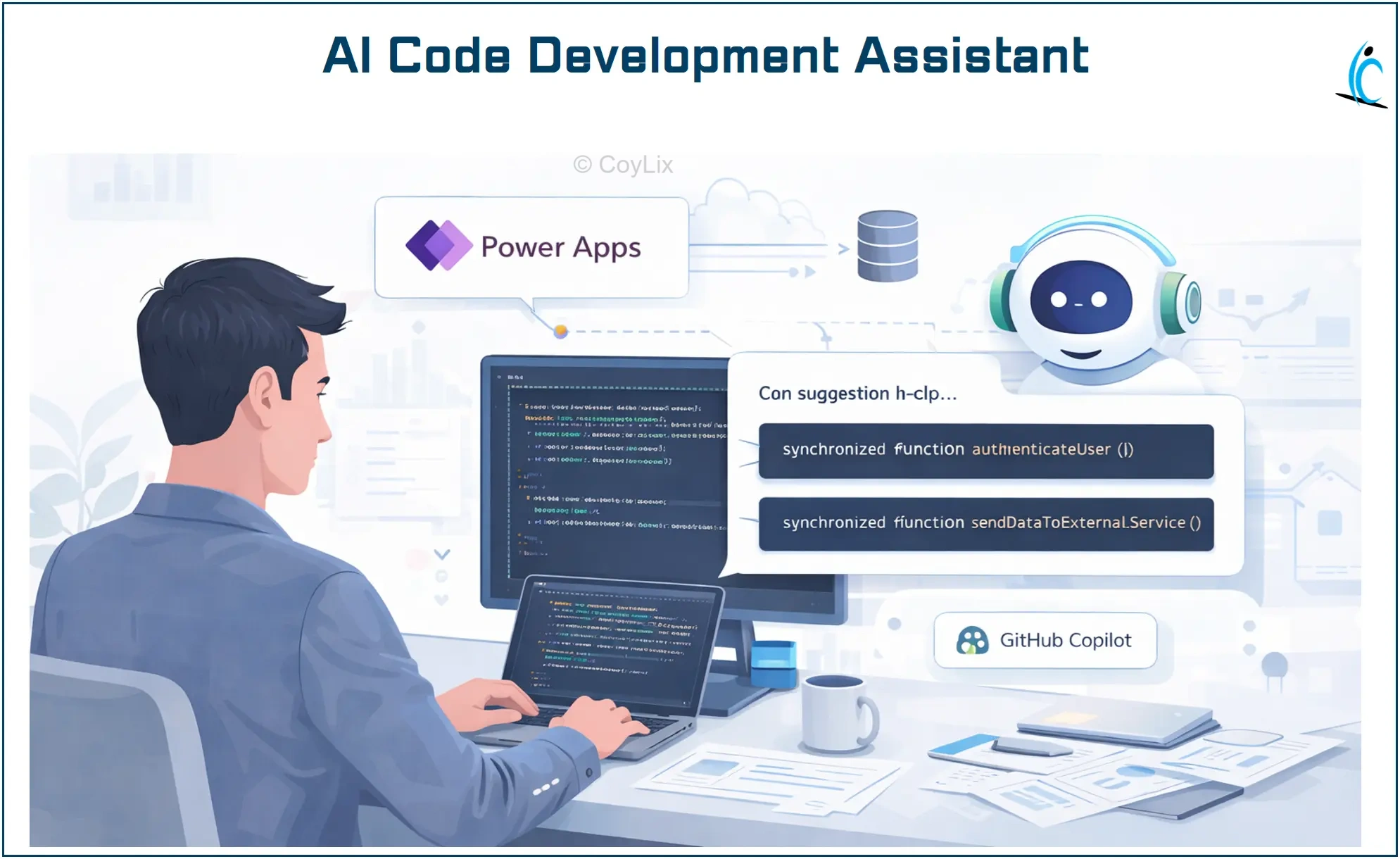
Real Use Case — AI Assisted Development
A developer is building a Power Platform integration API.
While writing code, GitHub Copilot:
- suggests code snippets
- completes functions automatically
- recommends improvements
This significantly reduces development time.
Azure AI Foundry
Insert AI platform architecture layer.
Azure AI Foundry is a platform used to build advanced AI solutions.
Organizations use it to:
- build AI assistants
- connect enterprise knowledge
- deploy AI models
It acts as the central platform for enterprise AI applications.
Real Use Case — Enterprise Knowledge AI Assistant
Large companies store thousands of documents like:
- policies
- manuals
- procedures
Employees often struggle to find information.
Using Azure AI Foundry, companies can build an AI assistant that answers questions like:
What is the company travel policy?
The AI assistant searches internal knowledge and returns the answer instantly.
Microsoft Agent Framework
Microsoft Agent Framework helps organizations manage multiple AI agents working together.
It allows companies to:
- orchestrate AI agents
- connect reasoning and tools
- manage complex AI workflows
This is important when organizations deploy many AI assistants across departments.
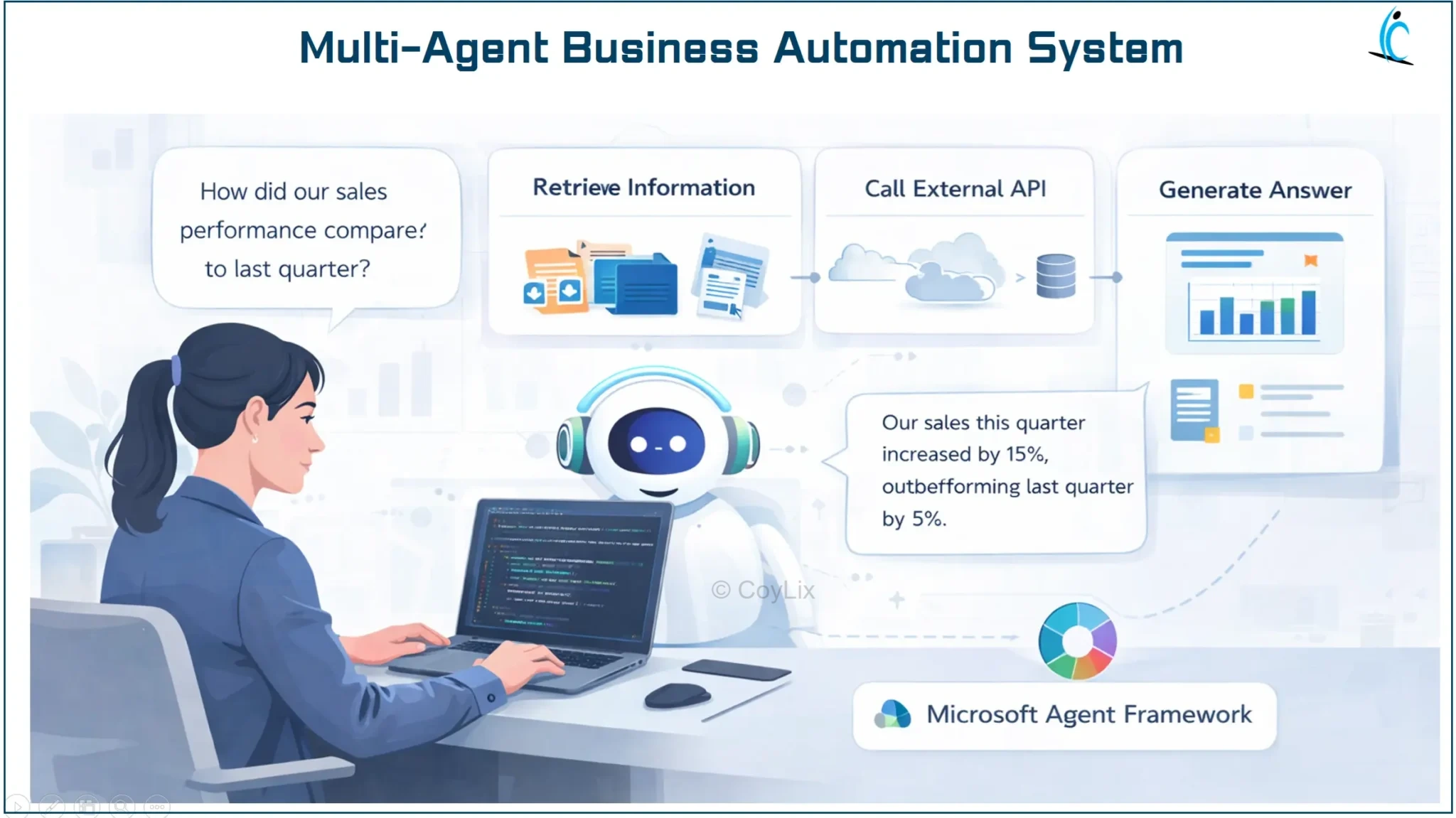
Real Use Case — Multi-Agent Business Automation
A company may deploy several AI agents:
- HR Agent → manages leave requests
- IT Agent → handles support tickets
- Finance Agent → processes expense approvals
The Microsoft Agent Framework coordinates these agents so they work together smoothly.
Security Copilot
Security Copilot uses AI to help cybersecurity teams detect and investigate threats.
It can:
- analyze security logs
- detect suspicious activity
- generate threat analysis reports
This helps organizations respond to cyber threats faster.
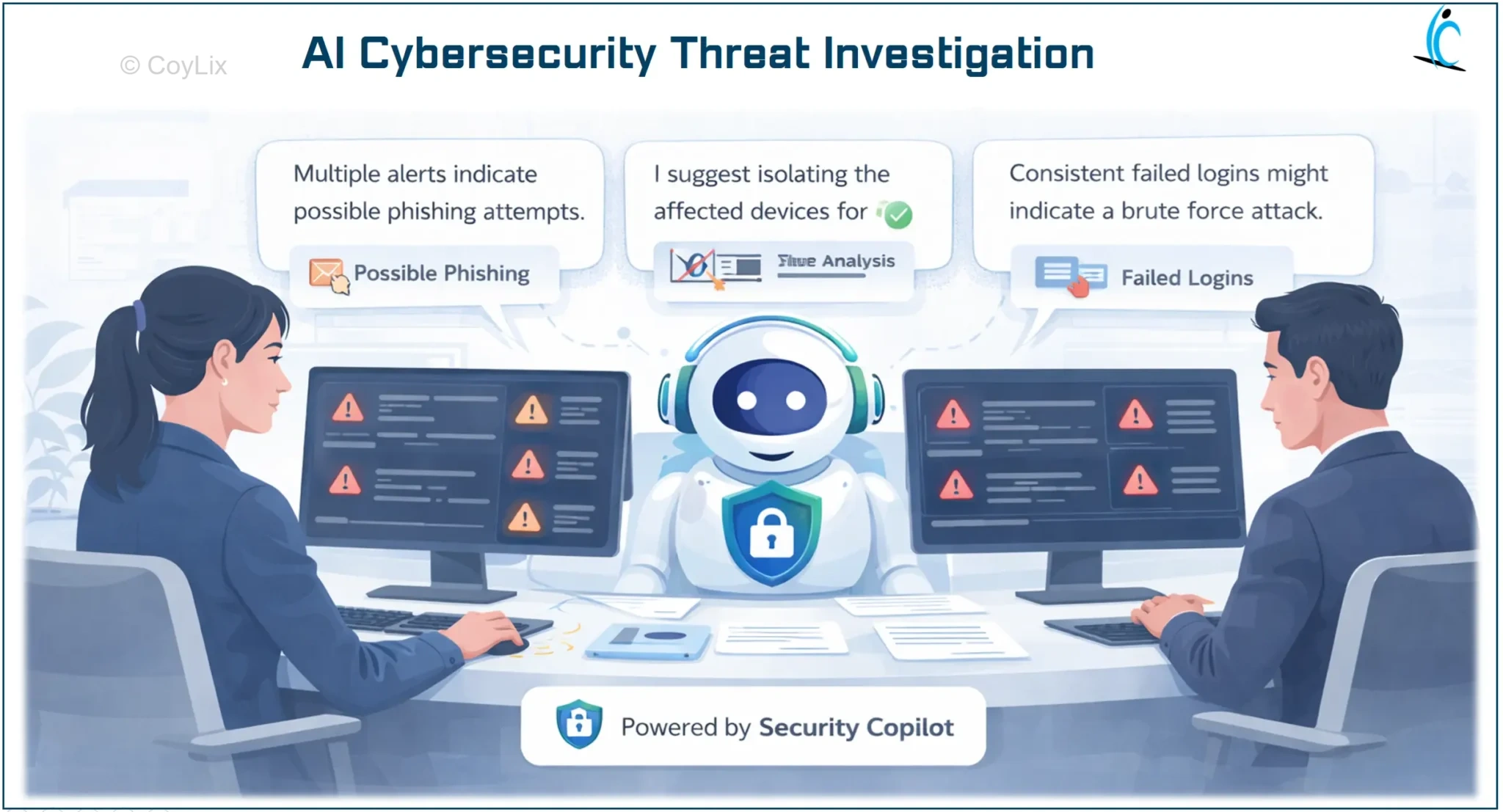
Real Use Case — AI Cybersecurity Threat Investigation
When a suspicious login attempt occurs, Security Copilot can:
- analyze security logs
- detect abnormal behavior
- identify potential threats
- suggest response actions
Security teams can quickly investigate incidents and protect company systems.
Azure Machine Learning
Azure Machine Learning is used to build and train machine learning models.
Organizations use it to:
- analyze data patterns
- predict outcomes
- build intelligent systems
These models provide advanced intelligence to business applications.
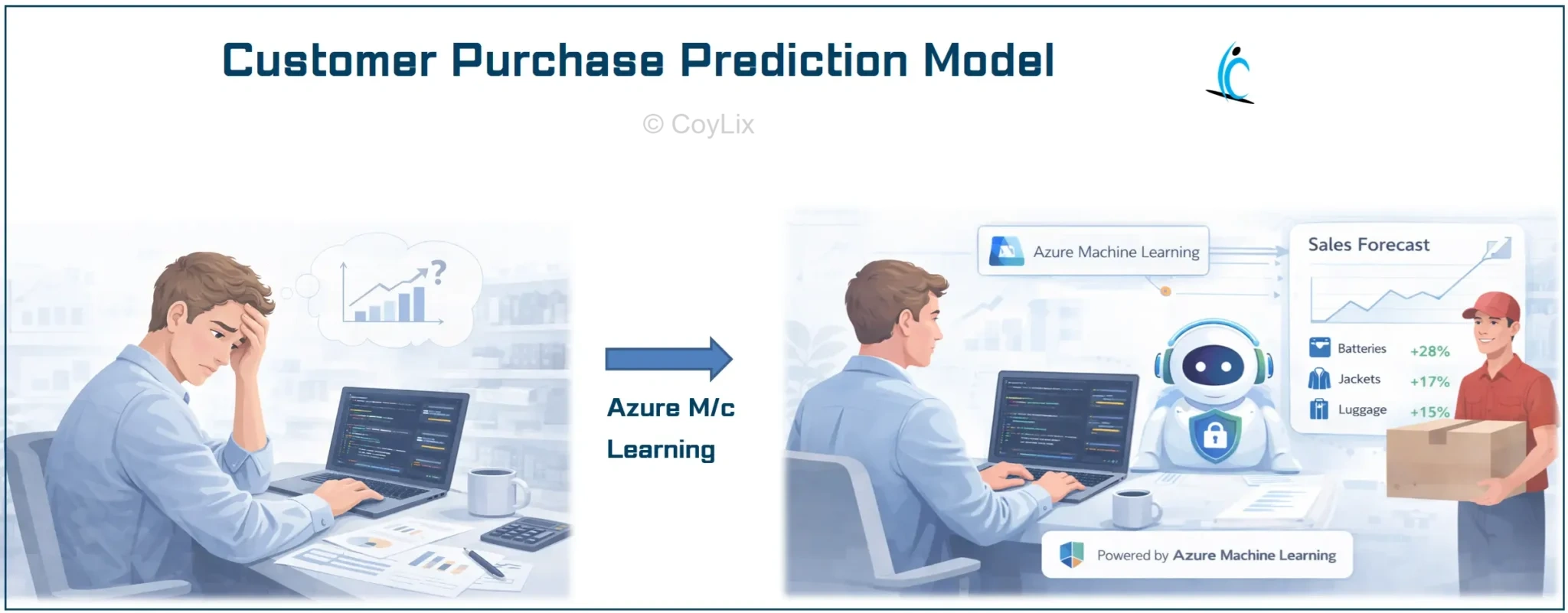
Real Use Case — Customer Purchase Prediction
A retail company wants to predict which customers will buy products next month.
Machine learning models analyze:
- purchase history
- customer behavior
- product trends
The system predicts future purchases, helping companies improve marketing and sales strategies.
To explore machine learning capabilities in Azure, visit the official page:
Azure Machine Learning Documentation.
End-to-End AI Workflow Example
Now let’s connect everything together.
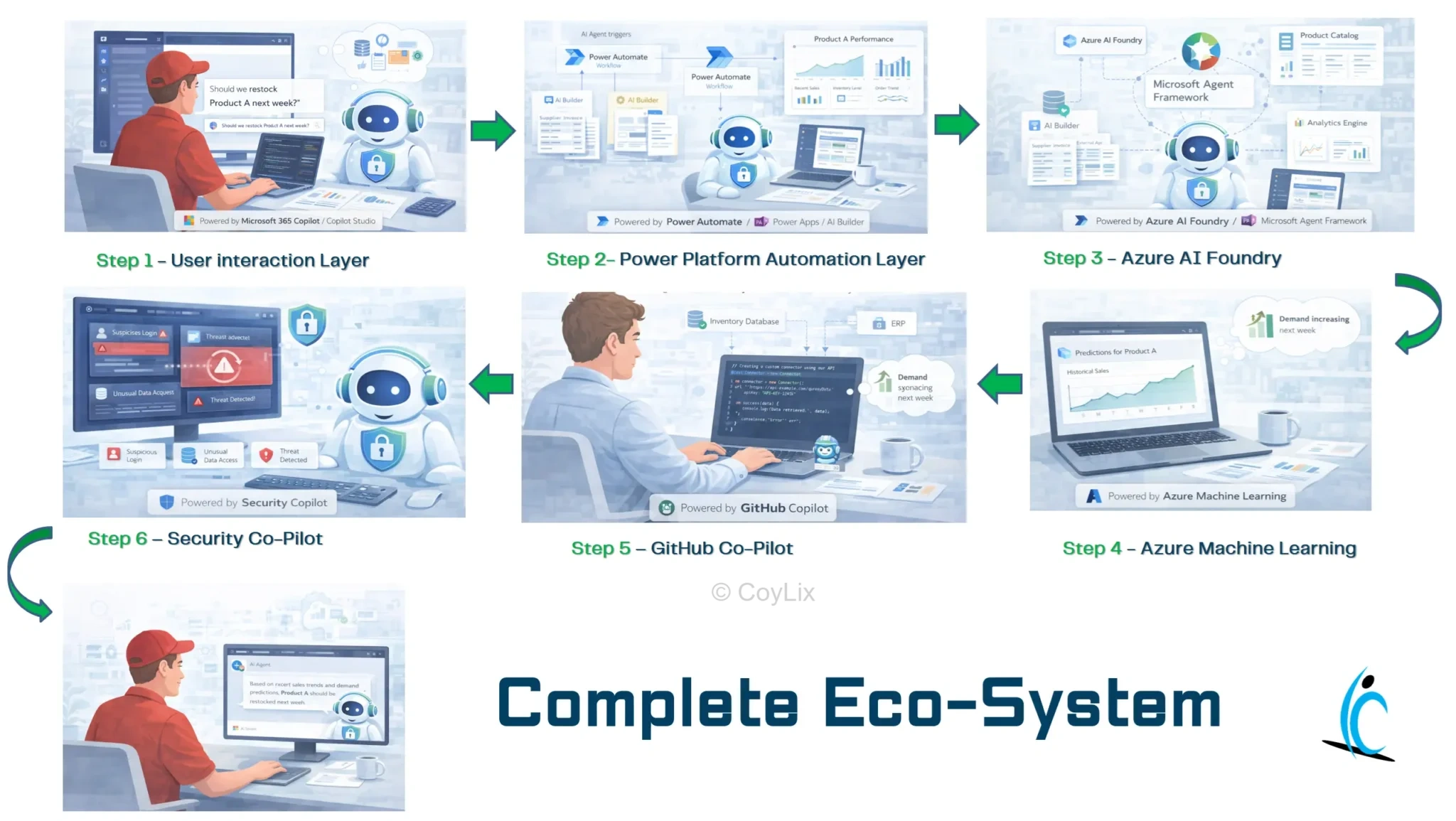
Example workflow:
Customer asks a question
↓
AI Agent (Copilot Studio)
↓
Power Automate workflow runs
↓
AI Builder processes documents
↓
Azure AI analyzes data
↓
Machine learning predicts the best response
↓
Answer is returned to the user
This creates a complete AI-powered automation system.
How Power Platform Development is Evolving
Power Platform development is moving from simple apps to AI-driven systems.
Earlier:
Apps + Workflows
Now:
- AI Agents
- Automation
- Machine Learning
- Intelligent decision systems
This means Power Platform developers must understand AI architecture as well.
Will AI Replace Power Platform Developers?
This is a common question.
AI will not replace developers.
However, it will change the role of developers.
Future developers will focus more on:
- designing AI systems
- building automation architecture
- connecting AI tools
Developers who understand this ecosystem will have a huge advantage in the future.
Related Power Platform Interview Guides
Understanding the Microsoft AI ecosystem helps developers see how AI tools, automation, and machine learning work together in modern Power Platform solutions.




