

Explore a comprehensive collection of Power Automate Flow Types . Elevate your readiness in interview with us by learning following power automate flow type questions.
We have curated 150+ Power Automate Interview quesitons. You can visit here for these
What are the 3 building blocks of a cloud flow?
The 3 building blocks of a cloud flow are trigger, action and conditions.
(1) A trigger is the event that starts a cloud flow.
(2) An action is the task that’s started when a trigger is invoked.
(3) Lastly, conditions inform the cloud flow to perform actions based on predetermined logic set in the flow.
Is Power Automate compatible with Windows 10 Home?
Yes, you can use Power Automate to create your desktop flows and monitor them on the Power Automate web portal. However, you cannot trigger desktop flows to run from the cloud on Windows 10 Home devices. In addition, other types of desktop flows (e.g., Windows recorder V1 and Selenium IDE) are not supported.
What are the different types of flows in Power Automate?
Power Automate flows can seem complicated to people who are not tech-savvy. But it’s actually not as difficult as it seems. It’s one of those things that looks intimidating at first, but can be easily learned with a little effort.
Power Automate can help you streamline your data processes. But if you’re not using it correctly, you may not be getting the most out of it. When creating a flow in Microsoft Power Automate, it’s important to understand the different types of flows available so that you can choose the right one for your needs. Below are the types of flow available.
1. Schedule Flow
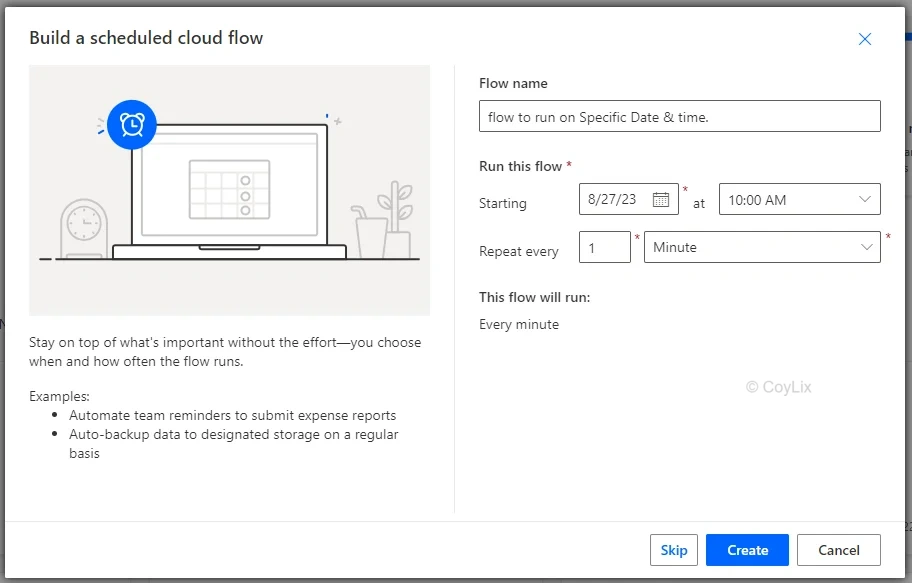
Schedule Flow is exactly what it sounds like. The big reveal: the flow will run based on a set date and time. This type of flow is best when you want to set the flow to run on a specific date and time.
Example:
If you want to create a flow that runs every day at 10:00 AM, Schedule Flow is your new bestie.
2. Automated Flow
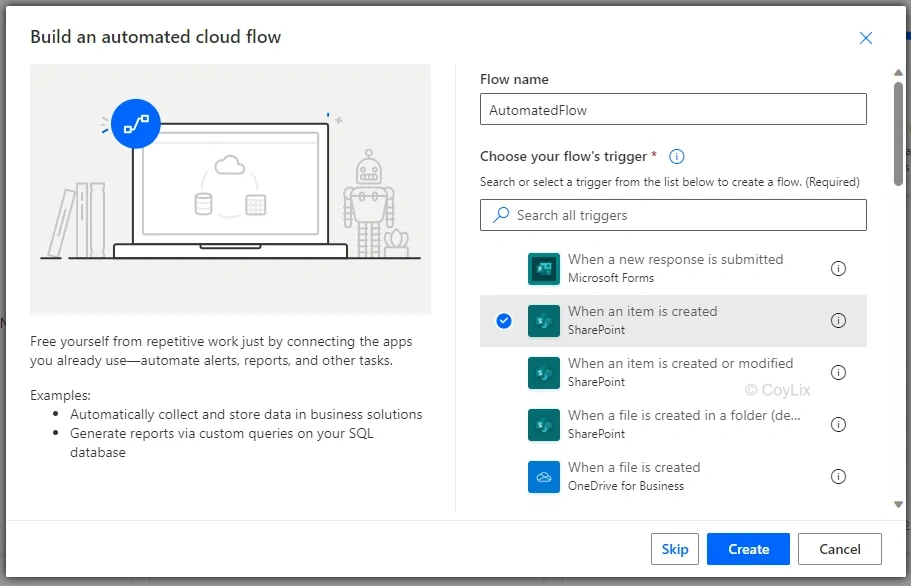
An Automated Flow is a good choice when you want the flow to run only when particular conditions are satisfied, depending on the trigger you pick.
Example:
If you want to create a flow to run whenever a user creates a new item on a SharePoint list, you will create an Automated Flow with “when an item is created” trigger and specific which SharePoint list.
3. Instant Flow
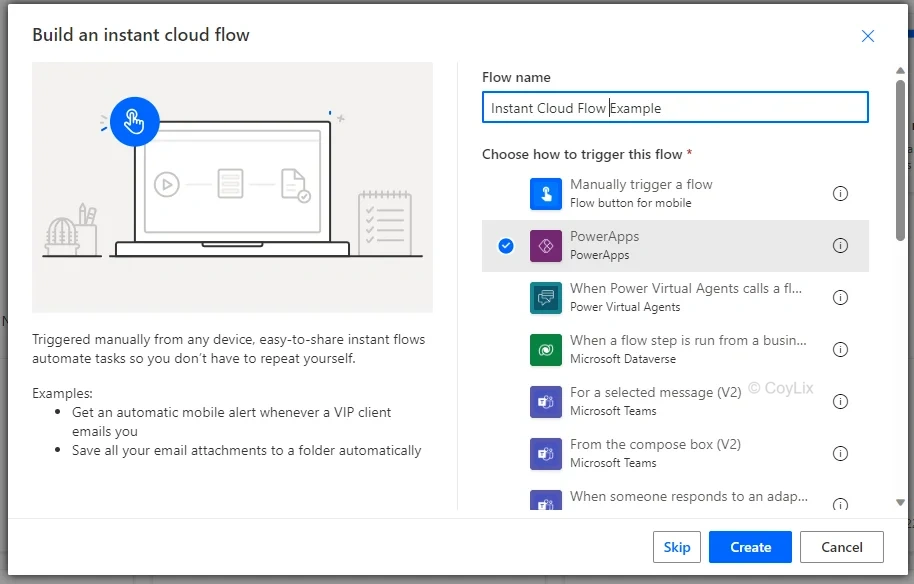
The Instant Flow is perhaps the most popular and commonly used flow type. It is widely used when building Power Apps applications since most of the time it is required to complete the more complex applications. Instant Flow is perfect for Power Apps applications and whenever you want the flow to run immediately after an action, given that it is on the list of triggers available for Instant Flow.
Example:
You want to create a Power Apps application to perform an action after a user clicks on a button. That’s where the Power Apps trigger is needed.
4. Desktop flow
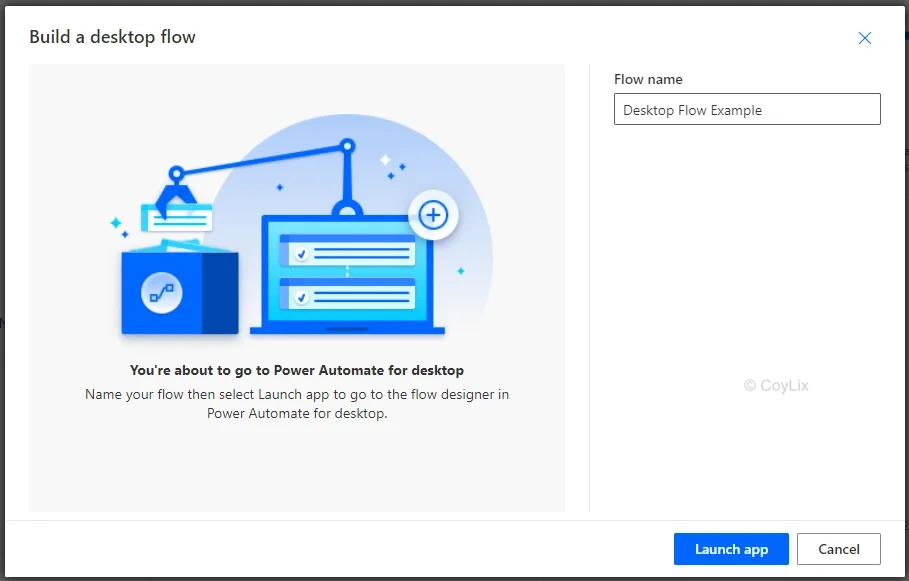
Desktop Flow, formerly known as UI flows, is a feature within Microsoft Power Automate that allows you to automate tasks involving interactions with applications or systems that have a user interface. With Desktop Flow, you can record and playback actions like clicking buttons, filling out forms, and navigating menus within desktop applications.
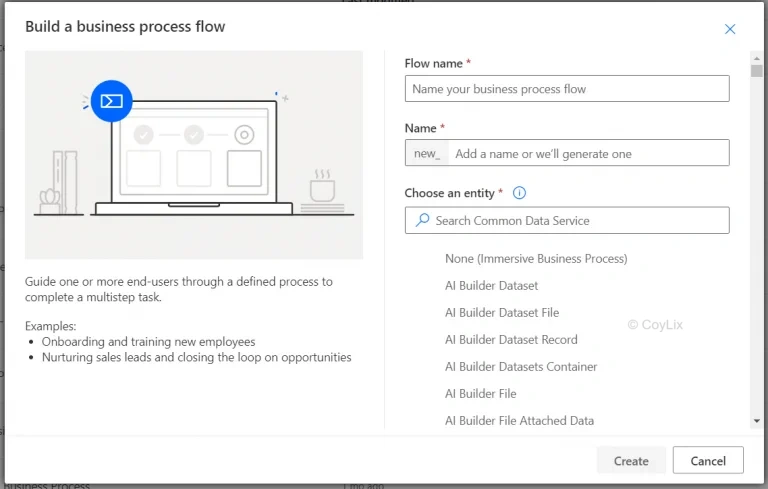
5. Business Process Flow
The Business Process Flow is also quite new to the flow family. However, it is also different from the other flows since it uses Microsoft Dynamic 365 to ensure data consistency throughout the whole process.
This is it! These are the five different Flows for Power Automate. It’s quite simple and straightforward. It can get complicated once you start building more advanced flows. Hopefully, this quick summary helped you understand about the Flows!
More details on flow can be read on Microsft website
For more than 150+ Power Automate Interview quesitons. You can visit here




