
As Power Apps adoption grows in enterprise environments, it’s common for multiple developers to work on the same solution. But without a clear strategy, this can lead to conflicts, broken apps, and deployment chaos.
In this blog post, I’ll walk you through a proven approach to managing Power Apps development in a team setting, based on Microsoft’s official ALM guidance and real-world experience as a Solution Architect.
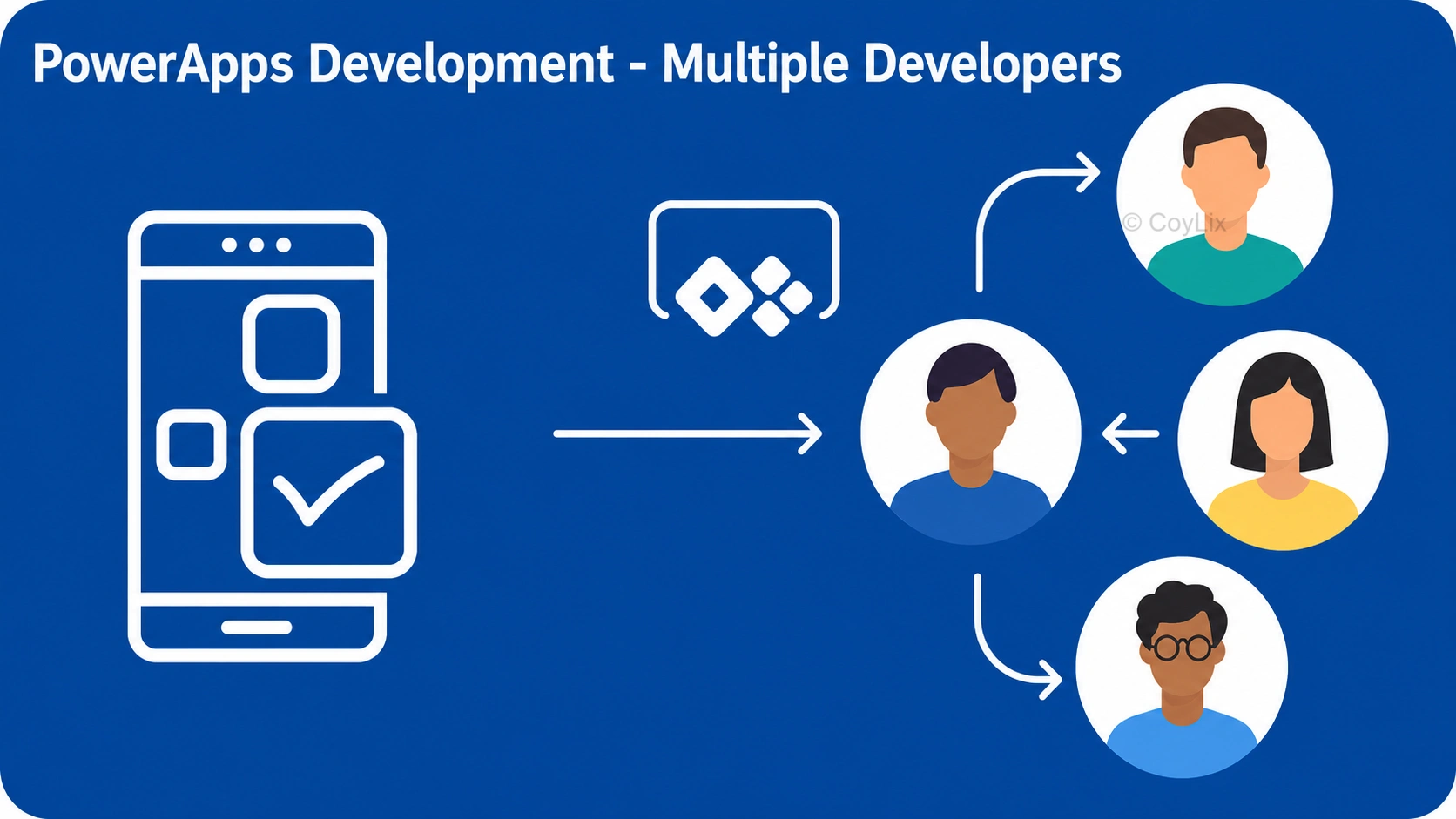
Why Managing Multi-Developer Power Apps Projects Is Challenging
Power Apps is a low-code platform, but that doesn’t mean it’s immune to the complexities of team development. When multiple developers work on the same app or solution, challenges like merge conflicts, overwritten changes and deployment issues can arise.
To avoid these issues, you need a structured Application Lifecycle Management (ALM) strategy that supports collaboration, scalability, and governance.
Best Practices
1. Developer Isolation with Environment Strategy
Each developer should work in their own isolated development environment. This prevents conflicts and allows for safe development.
- Use short-lived environments spun up from the latest build.
- Install only the required unmanaged solution in the dev environment.
- All dependent solutions should be installed as managed to avoid accidental changes.
This approach ensures clean separation of work and aligns with Microsoft’s team development ALM guidance.
2. Use Source Control with Power Platform CLI
Managing your solution as source code is essential for collaboration.
- Export solutions using Power Platform CLI or Visual Studio Code extensions.
- Store the solution in a Git repository (e.g., Azure DevOps or GitHub).
- Use unpacked solutions (source format) for better version control and diffing.
This enables branching, pull requests, and code reviews, just like traditional development.
3. Define a Clear Branching Strategy
A solid branching model helps manage parallel development and releases.
- Use branches like main, dev, and feature.
- Developers work on feature branches and merge into dev after review.
- main is reserved for production-ready code.
This structure supports continuous integration and release management.
4. Assign Component Ownership
Some components — like Canvas apps, forms, and flows — don’t merge well.
- Assign one developer per complex component at a time.
- Use component libraries to build reusable UI elements and reduce overlap.
- For Canvas apps, split functionality into modular components to allow parallel work.
5. Automate Deployments with Pipelines
Use Power Platform Pipelines, Azure DevOps, or GitHub Actions to automate solution deployment.
- Deploy managed solutions to Test and Production.
- Use environment variables and connection references to avoid hardcoding.
- Validate deployments with automated tests or manual UAT.
6. Communicate and Sync Regularly
Even with the best tools, communication is key.
- Hold regular stand-ups or sync meetings.
- Use shared documentation (e.g., OneNote, Confluence) to track changes and decisions.
- Encourage developers to pull latest changes frequently and resolve conflicts early.
- Bonus: Coauthoring in Power Apps Studio
Power Apps now supports co-authoring in Canvas and Model-driven apps. Multiple makers can work on the same app in real-time with live updates.
While coauthoring is helpful, it’s still best to avoid simultaneous edits on the same screen or component to prevent conflicts.
Conclusion
Managing Power Apps development with multiple developers isn’t just about tools — it’s about process, discipline, and collaboration. By following these best practices, you can scale your Power Platform projects confidently and deliver high-quality apps faster.
Key Takeaways
- Use developer isolation with dedicated environments.
- Implement source control using Power Platform CLI and Git.
- Define a branching strategy for structured collaboration.
- Assign component ownership to avoid merge conflicts.
- Automate deployments with CI/CD pipelines.
- Communicate regularly and document everything.
for more Power Apps interview Questions, visit this page




