

The most common Power Apps interview mistakes include misunderstanding delegation, poor architecture decisions, weak troubleshooting ability, missing enterprise practices like ALM and security and giving preference-based answers instead of requirement-driven reasoning.
In this guide, we’ll break down the biggest Power Apps interview mistakes that silently cause candidates to get rejected.
Watch the full breakdown here:
Why Power Apps Interview Mistakes Lead to Rejection
A candidate once told me during an interview that he had never heard of delegation warnings in Power Apps.
The interview continued — but mentally, the outcome was already decided.
This is how many interviews actually work. Candidates believe they are doing fine because the conversation continues. However, interviewers often make silent decisions based on small signals that reveal experience level, architectural thinking, and real-world readiness.
After being on both sides of Power Apps interviews, I started noticing patterns. The same mistakes appeared again and again — and most of them were fixable.
In this article, we’ll go deep into the 15 biggest Power Apps interview mistakes, why they matter, and how you can avoid them.
Mistake #1 — Not Understanding Delegation
Delegation is one of the most important concepts in Power Apps.
Many candidates say they understand it, yet struggle to explain what delegation actually does. Others ignore delegation warnings or assume increasing the row limit solves everything.
The problem is serious. If delegation fails, users may see incomplete data without realizing it.
Why interviewers reject this quickly
Delegation mistakes suggest a lack of real production experience. Interviewers worry that apps built by the candidate may show incorrect data in real business scenarios.
Common weak answers
- “It’s just a performance warning.”
- “I increased the row limit so it works.”
Strong interview answer example
“Delegation means Power Apps pushes queries to the data source instead of processing records locally. Without delegation, large datasets can show incomplete results.”
How to prepare
- Learn delegable vs non-delegable functions.
- Avoid Search() on large SharePoint lists.
- Use Filter() with delegable logic.
Why does your Power Apps app show only 500 records when SharePoint has 3000?
Interviewers often ask delegation-related questions because they reveal real-world experience. Many candidates answer confidently even when they don’t understand why data is missing. This image represents a typical situation where a developer assumes everything is fine because the app works locally.

To know more about delegation, visit this Microsoft article
Mistake #2 — Using SharePoint for Everything
SharePoint is familiar and easy to start with. However, enterprise interviews expect more thoughtful choices.
Many candidates choose SharePoint by default and justify it only through licensing.
Why this hurts you
Architecture decisions should reflect requirements, scalability, and governance — not cost alone.
What interviewers look for
They want to hear trade-offs:
- When Dataverse is better.
- When SQL is better.
- Why each option exists.
How to fix it
- Understand platform strengths.
- Explain architecture decisions clearly.
- Connect technology choices to business needs.
Mistake #3 — Ignoring OnStart Performance
Some apps load everything during App.OnStart, causing long startup delays.
Candidates often defend slow loading by saying “the app needs to load everything first.”
Why this is a red flag
Users judge apps quickly. Slow startup suggests poor architecture and weak performance thinking.
Better approach
- Load only essentials initially.
- Use Concurrent() where possible.
- Optimize perceived performance.
Mistake #4 — No Real-World Examples
Talking only about tutorials instantly weakens credibility.
Interviewers want proof that you solved real problems.
Why it matters
Real projects show:
- stakeholder communication
- requirement understanding
- business impact
Strong example structure (STAR)
- Situation
- Task
- Action
- Result
Example:
“I built an approval app that reduced processing time from 3 days to 6 hours.”
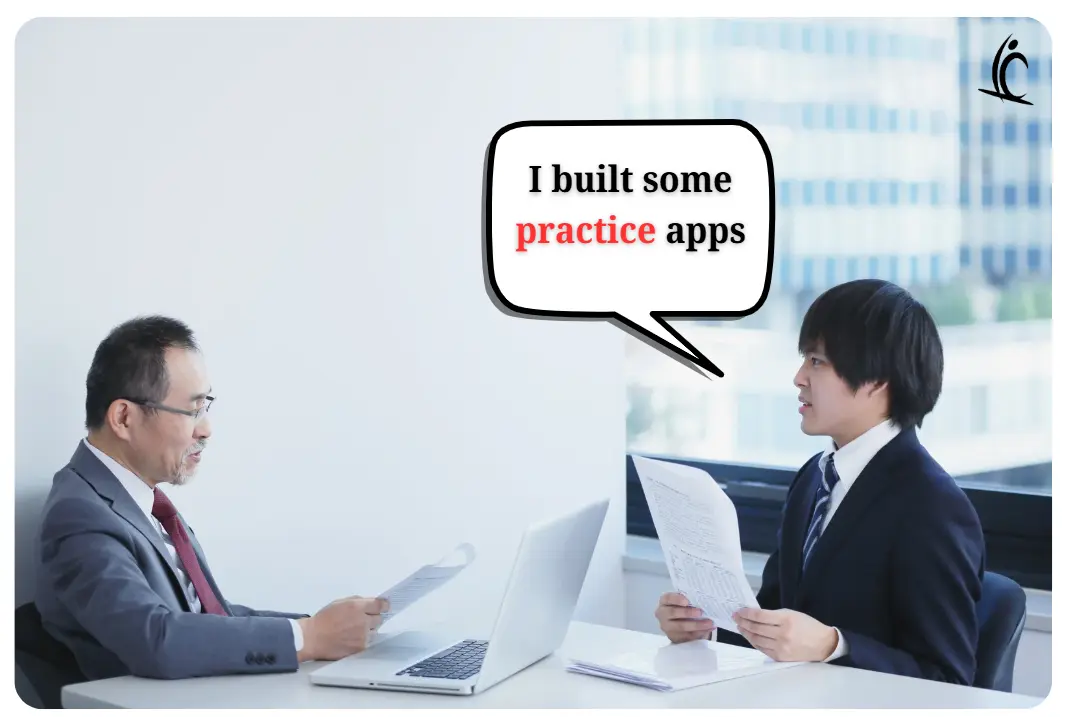
What happens when you only talk about practice apps in an interview?
Many candidates mention tutorials or training projects when asked about experience. However, interviewers want to hear about real problems solved for real users. The image illustrates a common moment where experience sounds weaker than expected.
Mistake #5 — Poor Error Handling Knowledge
Production apps fail. Networks drop. APIs return errors.
If your plan is simply “users can refresh,” interviewers see risk immediately.
What strong candidates mention
- IfError()
- validation before Patch
- actionable messages
- logging strategy
How to fix it
- Handle errors proactively.
- Provide meaningful user guidance.
- Think about support teams.
Mistake #6 — No Understanding of ALM
Enterprise environments rely on Application Lifecycle Management.
Many candidates cannot explain solutions, environment variables, or deployment strategies.
Why this matters
ALM separates hobby projects from enterprise apps.
Strong interview talking points
- Managed vs unmanaged solutions.
- DEV → TEST → PROD flow.
- Environment variables for portability.
For more ALM, visit this Official website
Mistake #7 — Ignoring Security & Governance
A common wrong answer:
“I filter data by department.”
Filtering is NOT security.
Why interviewers care
Security must exist at the data layer, not only the interface.
What strong candidates mention
- Dataverse security roles
- row-level security
- DLP policies
How do you ensure managers only see their team’s data in Power Apps?
Security questions often reveal whether a developer understands enterprise architecture. Many candidates suggest UI filtering, but interviewers expect data-layer security such as roles and permissions.

Mistake #8 — Weak Debugging Skills
Debugging is a huge part of real development.
Many candidates troubleshoot by guessing instead of using tools.
Red flags
- Never used Monitor Tool.
- No App Checker familiarity.
- Random formula changes.
Better approach
- Reproduce issue.
- Monitor requests.
- Isolate formula.
- Test and verify.
Mistake #9 — Poor Naming Conventions
Button1 and Gallery1 may work — but they suggest beginner workflows.
Why interviewers notice
Good naming shows collaboration readiness.
Fix
- Use prefixes like lbl, txt, btn.
- Name screens clearly.
- Think about future maintainability.
Mistake #10 — Not Asking Questions
Strong candidates clarify requirements first.
Weak candidates jump straight into solution design.
Questions that impress interviewers
- How many users?
- Expected data growth?
- Mobile-first or desktop-first?
- Success metrics?
Mistake #11 — Wrong Confidence Level
Overconfidence and under confidence both create risks.
Overconfidence signals
- Claiming expertise in everything.
- Never mentioning challenges.
Under confidence signals
- Apologizing constantly.
- Hesitating on decisions.
Best approach
Be honest, confident, and growth-focused.
What happens when you claim you’ve never faced challenges in development?
Interviewers often ask about difficult situations to understand problem-solving ability. Saying you never faced issues can sound unrealistic and may signal lack of real experience.

Mistake #12 — Freezing During Hands-On Challenges
Live exercises often reveal gaps quickly.
Some candidates freeze because they never practiced solving problems under pressure.
How to prepare
- Practice timed exercises.
- Intentionally break apps.
- Explain your thought process aloud.
Mistake #13 — Ignoring User-Centered Design
Apps exist for users, not developers.
Interviewers increasingly care about UX thinking.
What they expect
- accessibility awareness
- mobile-first design
- user testing mindset
Mistake #14 — No Architecture Reasoning
Preference-based answers like:
“I prefer Canvas Apps.”
…signal weak decision-making.
Better framework
Requirement → Constraints → Trade-offs → Decision
Interviewers want reasoning, not preference.
Mistake #15 — Wrong AI Usage Signals
AI is now part of modern development workflows.
Two extremes hurt candidates:
- Blind dependency.
- Complete avoidance.
Weak answer example
“Copilot built the whole app.”
Strong answer example
“I use AI for scaffolding, but validate formulas and own architecture decisions.”
How should you talk about AI tools like Copilot in a Power Apps interview?
Modern interviews increasingly include questions about AI usage. While using AI tools is encouraged, interviewers want to see ownership and understanding. The image highlights an answer that signals dependency rather than skill.

Final Thoughts on Power Apps Interview Mistakes
Power Apps interviews rarely fail because of one big mistake. Instead, they fail because multiple small signals suggest a lack of enterprise readiness.
If you avoid these 15 Power Apps interview mistakes, you immediately move into the top tier of candidates.
Focus on:
- architecture thinking
- real-world experience
- problem-solving clarity
- thoughtful communication
These are the qualities interviewers remember.
Frequently Asked Questions
What is the biggest Power Apps interview mistake?
Not understanding delegation, because it affects data correctness and scalability.
Do enterprise interviews expect ALM knowledge?
Yes. ALM concepts are considered essential for production environments.
How do I improve quickly for interviews?
Build real apps, practice explaining decisions, and rehearse live problem-solving.
Conclusion / CTA
If you’re preparing for a Power Apps interview, don’t just practice formulas. Practice thinking like an architect.
The candidates who get hired are usually the ones who can explain why, not just how
Avoiding these Power Apps interview mistakes will immediately improve how interviewers perceive your experience.



