
Business rules in Dataverse provide a no-code way to enforce logic and data consistency at the table level. They allow you to define conditions and actions without writing code, and they work consistently across all apps that use the table — including Canvas Apps, Model-driven Apps, and the API. They are mostly used for:
- Set or clear field values
- Make a field required
- Show or hide fields
- Display error messages for validation
Example:
Suppose you’re working with an Order table: Then you can setup following business rule.
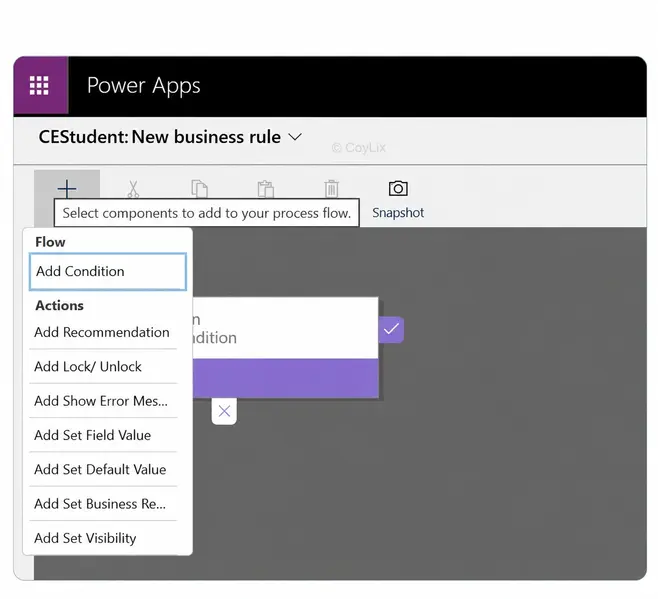
IF: Order Amount > $100,000
	THEN:
	- Set 'Requires Approval' field to Yes.
	- Make the 'Approver' field visible and required.
Another example is
 If : OrderStatus = "Cancelled",
   THEN
       - Hide the 'Shipping Date' field.
This helps ensure data integrity and improves user experience without custom code.
Key Points to Note:
- Business rules generally run on the client side (when a form is opened or when values change on that form).
- The scope determines where they apply — e.g., “All Forms” will enforce the rule across all forms for that table.
- They don’t support multi-select choice fields, which is a known limitation.
Overall, business rules are a quick and maintainable way to enforce table logic, especially for scenarios where full Power Automate flows or plugins might be overkill.




