
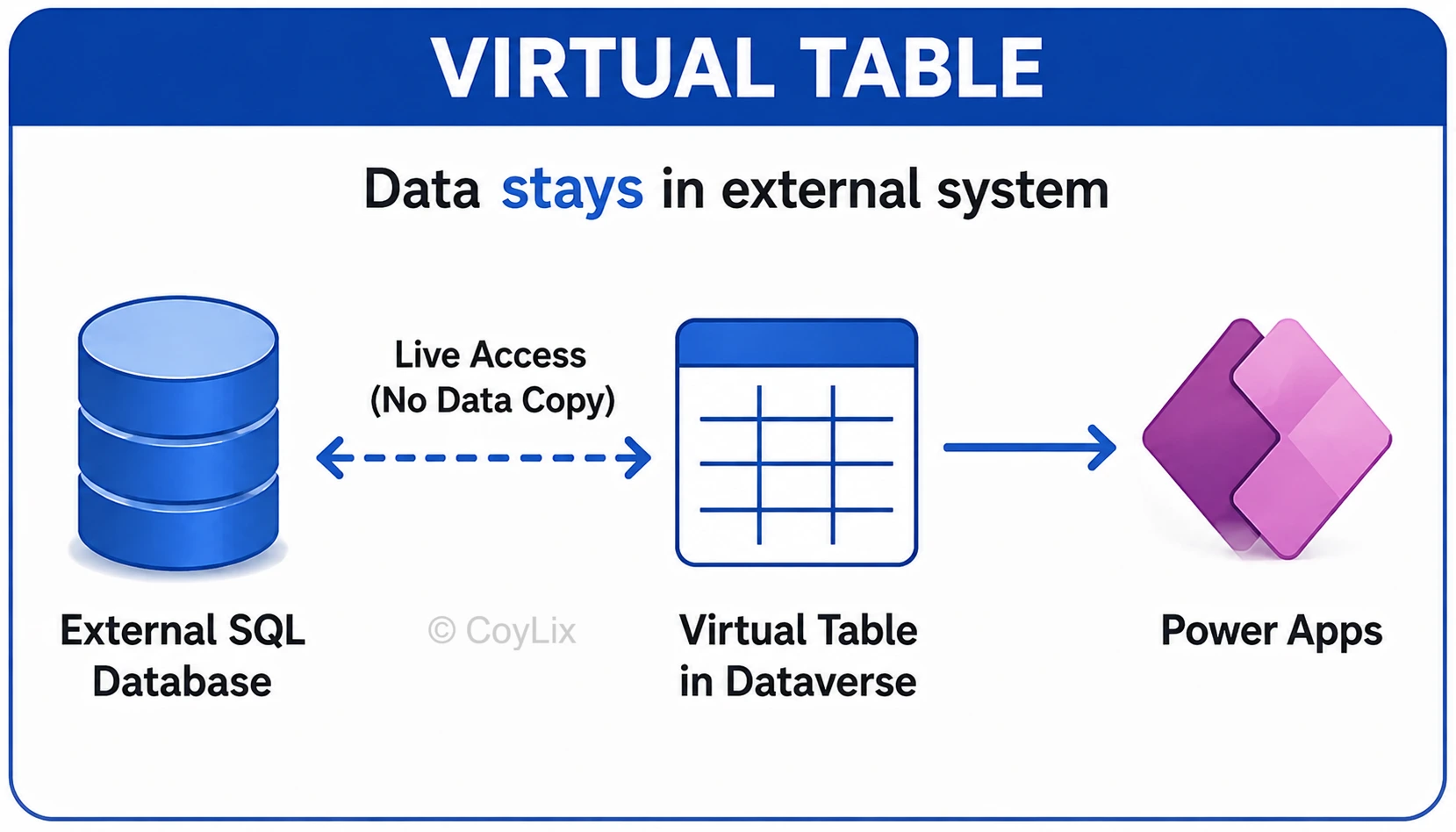
A virtual table lets you define columns in Dataverse, but the actual data stays in an external system like SQL Server or a REST API. Dataverse fetches it live through a data provider instead of storing a copy.
For example, if product pricing lives in an external system and changes every few minutes, a virtual table shows the current price instantly instead of relying on a scheduled import.
When to Use Virtual Tables Instead of Importing Data
- Real-time data: Use virtual tables when you need to see the latest data from the external system without copying it into Dataverse.
- Large amounts of data: Use them when storing all the external data in Dataverse would increase storage needs and costs.
- Data must stay in the source system: Use them when the external system needs to remain the main place where the data is stored and managed.
- Frequent changes: Use them when the data changes often in the external system and you don’t want to keep synchronizing copies.
Good to know: virtual tables are mostly read-only, and they can only be organization-owned.
Interview tip: Follow-up to expect – “what are the limitations?” Mention no offline sync and fewer supported column types.





