
Power Platform Career Roadmap (2026 Skill Matrix)
A market-aligned Power Platform career roadmap designed to help developers progress from beginner to enterprise-level roles using real-world hiring trends, interview expectations, architecture practices, and AI-era skills.
How This Skill Matrix Works
This roadmap is structured in progressive layers based on current enterprise hiring trends and real-world Power Platform job descriptions. Start with CRITICAL foundational skills, then gradually move toward architecture, integration, governance, and AI-focused specialization areas.
Each topic includes:
- Structured interview preparation roadmap
- Progressive difficulty (Beginner → Senior Developer)
- Enterprise-focused real-world scenarios
- Architecture and integration awareness
- Topic-wise assessment and validation
- Clear visibility into market-relevant skill coverage
The roadmap emphasizes practical understanding, enterprise solution thinking, and interview readiness — not just tool-based learning.
Skill Roadmap Breakdown
The roadmap progresses through four structured layers — Critical Fundamentals, High-Impact Enterprise Skills, Moderate Specialization Areas, and finally the AI Era, covering Copilot Studio, AI agents, automation intelligence, and modern enterprise development expectations.
Your Interview Readiness Checklist
Completed all Critical topics? Ready to validate your enterprise-level readiness? Download the Interview Readiness Checklist and track your progress across all skill layers.
🔥 CRITICAL (Must know to pass)
00. Power Platform Fundamentals
CRITICAL
- Power Platform Architecture & Ecosystem Overview
- Core Components (Canvas Apps, Model Driven Apps, Power Automate, Power BI, Pages, Copilot)
- Environments, Tenant & ALM Strategy
- Dataverse Role in the Platform
- Solutions & Deployment Strategy (Managed vs Unmanaged)
- Licensing Model, Premium Connectors & Cost Impact
- Security Model, Roles & DLP Governance
01. Canvas App Fundamentals
- Screens & Navigation Strategy
- Responsive Layout & Containers
- Galleries & Forms
- App Lifecycle
- Controls & UI Components
- Component Libraries
- Mobile vs Tablet Configuration
02. Power Fx Mastery
- Variables & Scope (Set, UpdateContext, With)
- Collections & State Handling
- Data Manipulation (Filter, LookUp, Sort, Search)
- Record Operations (Patch, SubmitForm, ForAll)
- Conditional Logic (If, Switch)
- Error Handling & Validation (IfError, IsBlank, Coalesce)
- Data Shaping (AddColumns, GroupBy, ThisRecord)
- Cross-Screen Data & Context Strategy
- Performance Optimization (Named Formulas, Concurrent)
03. Delegation & App Performance
- Delegation Fundamentals & Why It Matters
- Handling 500 / 2000 Row Limits
- Delegable vs Non-Delegable Functions
- Dataverse vs SharePoint Delegation
- Large Dataset Filtering Strategies
- Pagination & Data Loading Patterns
- Query Optimization Strategies
- Live App Performance Troubleshooting
- Indexed Columns in SharePoint
- Identifying & Fixing Delegation Warnings
04. Dataverse Fundamentals
- Tables (Standard vs Custom)
- Column Types & Data Modeling
- Table Relationships & Relational Design
- Views (System vs Personal)
- Forms (Main, Quick View, Quick Create)
- Business Rules & Server-Side Validation
- Security Model Basics
- Dataverse vs SharePoint — When to Choose
- Dataverse Performance & Scalability Basics
05. Power Automate — Cloud Flows
- Flow Types (Automated, Instant, Scheduled)
- Flow Architecture & Design Patterns
- Calling Flows from Power Apps
- Approval Workflows & Process Automation
- Error Handling (Run After, Scopes, Retry)
- Expressions & Dynamic Content
- Dataverse, SharePoint, SQL & API/REST Integration
- Child Flows & Modular Design
- Trigger Optimization & Flow Performance
- Governance & DLP Impact
06. Data & Integration Layer
- SharePoint as a Data Source
- SQL Server Integration (Tables, Views, SP — Awareness)
- Choosing the Right Data Source Architecture
- Delegation Across Data Sources
- Standard vs Premium Connectors (Licensing)
- Custom Connectors (OpenAPI / Swagger)
- REST API Integration & Authentication Basics
- On-Prem Gateway Architecture
- Connector Throttling & Performance
- Service Principal & Connection Strategy Awareness
07. Security & Governance
- Role-Based Access Control (RBAC)
- Dataverse Security Roles (CRUD Permissions)
- Business Units, Teams & Role Inheritance
- Row-Level & Column-Level Security
- App Sharing Models (Users, Groups, Organization)
- Environment Security Strategy
- Data Loss Prevention (DLP) Policies
- Managed Environments Basics
- Auditing, Compliance & Governance
08. Scenario-Based Problem Solving
CRITICAL
- Handling Large Data Issues
- Fixing Slow Apps & Performance
- Managing Multi-User Record Conflicts
- Designing Role-Based Visibility
- End-to-End Approval Workflows
- Designing Offline-Enabled Apps
- Converting Requirements into Solutions
- Improving & Maintaining Existing Apps
Power Apps Interview Preparation Handbook
A practical interview-focused resource designed to help Power Apps professionals prepare with confidence for real-world interviews and enterprise scenarios.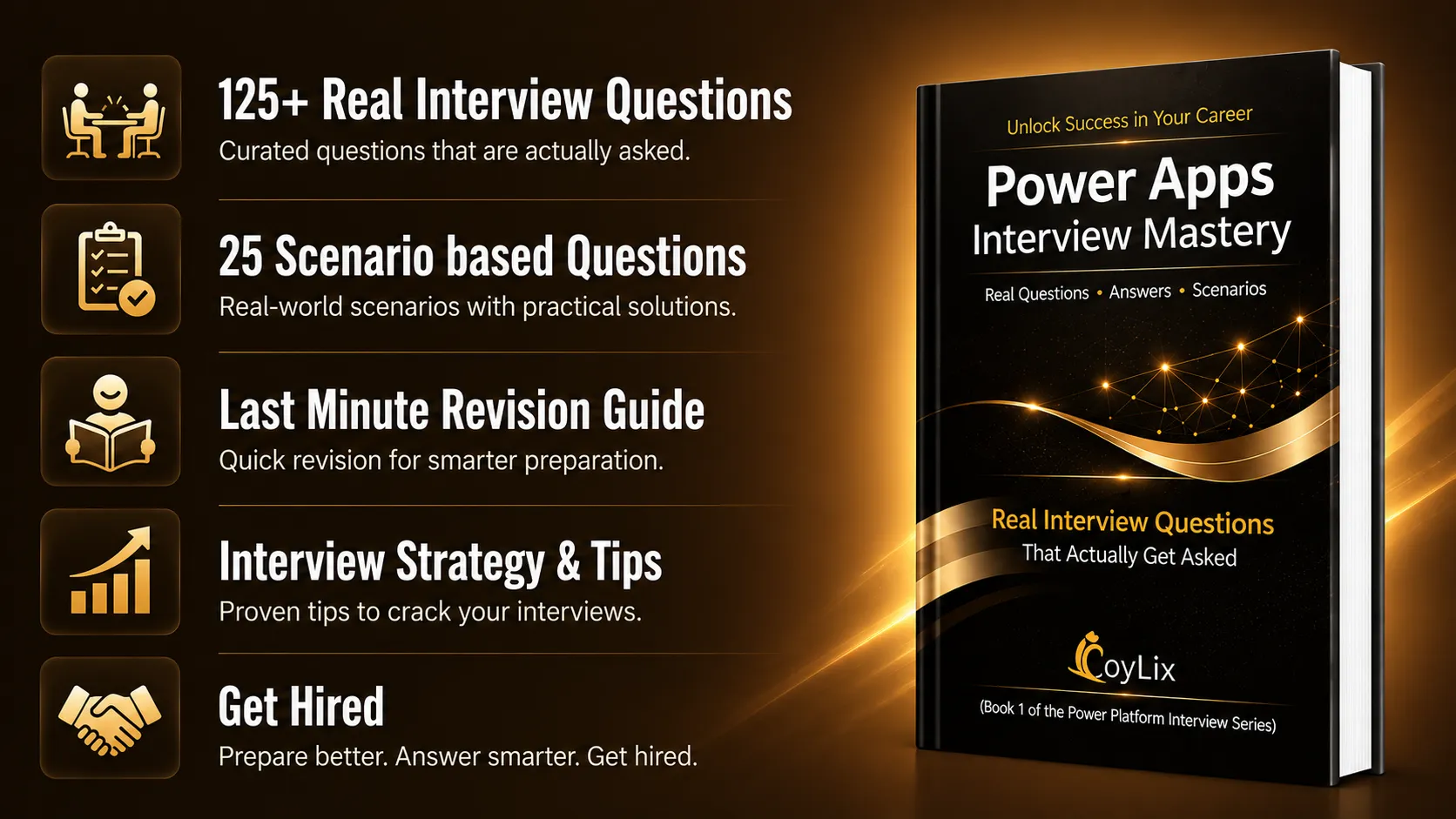
⭐⭐⭐ HIGH (Expected at all levels)
09. Power BI Integration
- Embedding Power BI in Canvas Apps
- Power BI Tile Control Setup
- Passing Filters Between Apps & Power BI
- Using Power BI Connector for Data Access
- When to Use Power BI vs App Charts
- Security Between Power Apps & Power BI
10. Model-Driven Apps
- Canvas vs Model-Driven — When to Choose
- Tables, Views & Forms Configuration
- Dashboards & Data Visualization
- Business Process Flows (BPF)
- Custom Pages (Canvas Integration)
- Sitemap & App Navigation Structure
- Command Bar Customization
11. ALM & Deployment Strategy
- Why Everything Should Be Inside Solutions
- Managed vs Unmanaged Solutions
- Publisher Prefix & Naming Strategy
- Environment Strategy (Dev → Test → Prod)
- Environment Variables & Connection References
- Solution Versioning & Release Process
- Power Platform Pipelines
- Azure DevOps Integration (Awareness)
12. Azure Integration
HIGH IMPACT
- Azure Functions for Custom Logic
- Logic Apps vs Power Automate
- Azure API Management Basics
- Azure Key Vault for Secure Secrets
- Azure AD App Registration & OAuth Basics
- Calling Azure Services from Power Automate
13. SharePoint for Power Platform
- SharePoint Lists
- Document Libraries
- Permissions & Access
- Metadata & Versioning
- Power Apps Integration
- Power Automate Integration
- SharePoint Forms
- Delegation with SharePoint
- Dataverse vs SharePoint
⭐⭐ MODERATE (Good to have)
14. PCF Controls
MODERATE
- Extending Apps with PCF Controls
- When to Use PCF Controls
- PCF Development Basics (TypeScript)
- Control Manifest & Configuration
- Deploying PCF via Solutions
- Standard vs Virtual PCF Controls
15. Power Pages
MODERATE
- What Power Pages Is (External Websites & Portals)
- When to Use Power Pages vs Canvas Apps
- Securing Data with Table Permissions
- Basic Liquid Templating (Awareness)
- Using Web API in Power Pages
- Authentication Options (AAD, Local, External)
16. Dynamics 365 Ecosystem
MODERATE
- Dataverse & Dynamics 365 Relationship
- Core Dynamics 365 Modules (Sales, Customer Service, etc.)
- Extending D365 with Power Apps & Power Automate
- Customizing Forms, Views & Business Process Flows
- Integration with Microsoft 365 & Azure
🧠AI ERA (Differentiator in 2025-26)
17. Copilot in Power Apps
AI ERA (Differentiator 2025–26)
- Generating Apps Using Natural Language
- Copilot-Assisted Formula Writing
- Reviewing & Improving AI-Generated Logic
- Identifying Delegation & Performance Issues
- Editing Existing Apps Using Copilot
- When to Use Copilot vs Manual Development
18. Copilot Studio (AI Agents)
AI ERA (Differentiator 2025–26)
- What Copilot Studio Is (AI Agents & Chatbots)
- Designing Topics & Conversation Flows
- Generative Answers with Knowledge Sources
- Working with Variables & User Inputs
- Calling Power Automate from Agents
- Connecting Agents to Dataverse
- Publishing to Teams, Websites & Apps
- Difference Between Copilot Studio & Power Virtual Agents
19. AI Builder
AI ERA (Differentiator 2025–26)
- Using Pre-Built AI Models (Receipts, Invoices, OCR)
- Creating Custom AI Models
- Using AI Builder in Power Automate
- Using AI Builder in Canvas Apps
- Prompt Builder for AI Text Generation
- Understanding AI Builder Licensing




