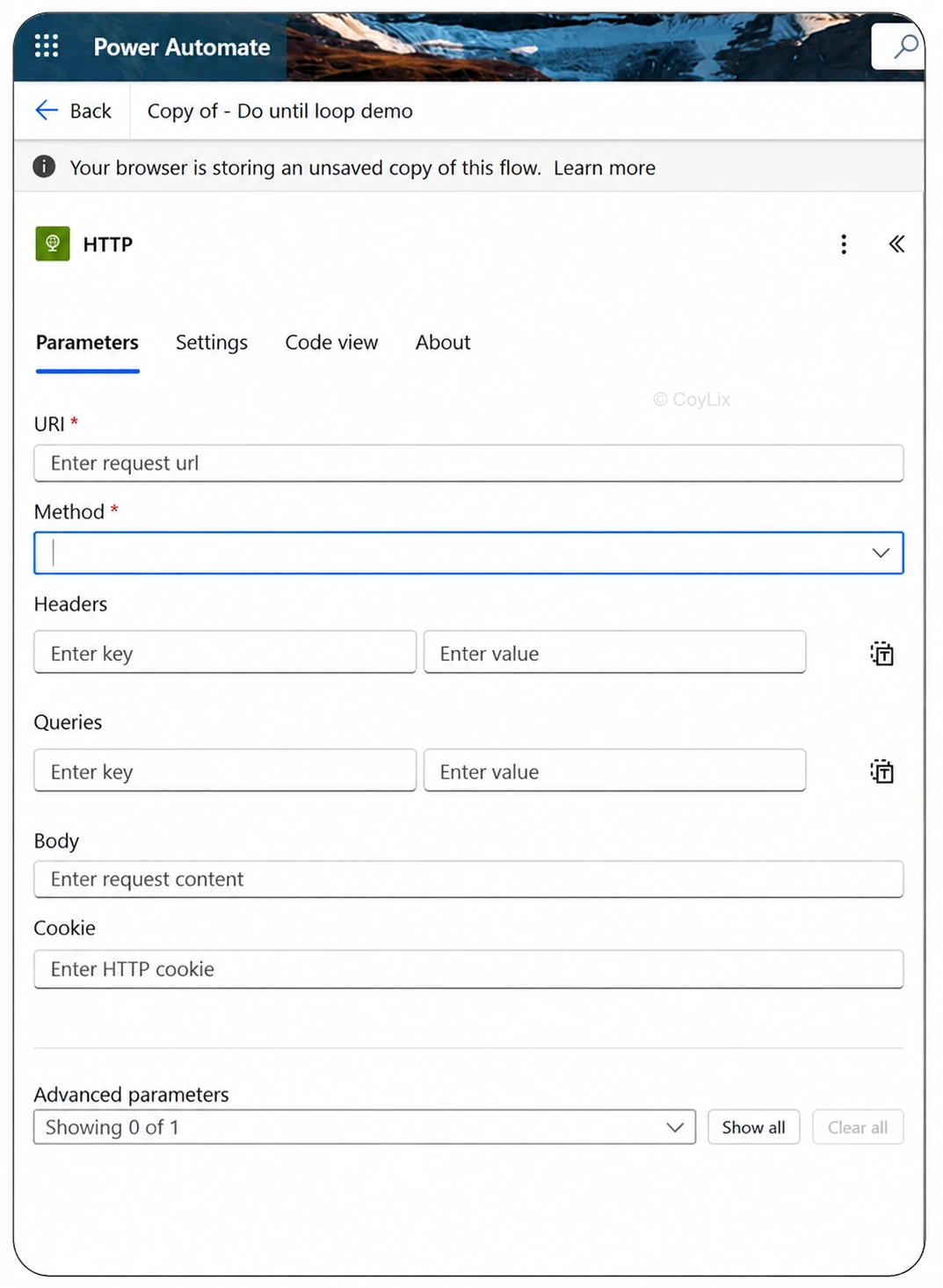
If you’re integrating Power Automate with external systems, knowing how to use the HTTP action is essential. It’s your gateway to the outside world—whether you’re sending data to a shipping service, retrieving customer info from a CRM, or updating records in a third-party app.The HTTP action is your gateway to the outside world. It’s like sending a letter to a service and getting a reply.
Steps:
• Choose method (GET, POST, DELETE, PATCH etc.)
• Add URL
• Set headers (e.g., Content-Type, Authorization)
• Add body (for POST/PUT)
Real-Life Example: Shipping API Integration
Let’s say you run an e-commerce store. When a customer places an order:
1. A flow is triggered.
2. It uses the HTTP action to send order details to a shipping API.
3. The API responds with a tracking number.
4. The flow sends an email to the customer with their tracking info.